Skip to service content
All services(04 / 04)   Services

APIs & WorkflowAutomation

Connected tools. Less repetitive work.

For teams connecting external services, extending an API, or turning repeatable manual steps into application workflows.

Make your tools and application work together. I develop APIs, connect external services, and automate repeatable steps so information moves through your business with less manual effort.

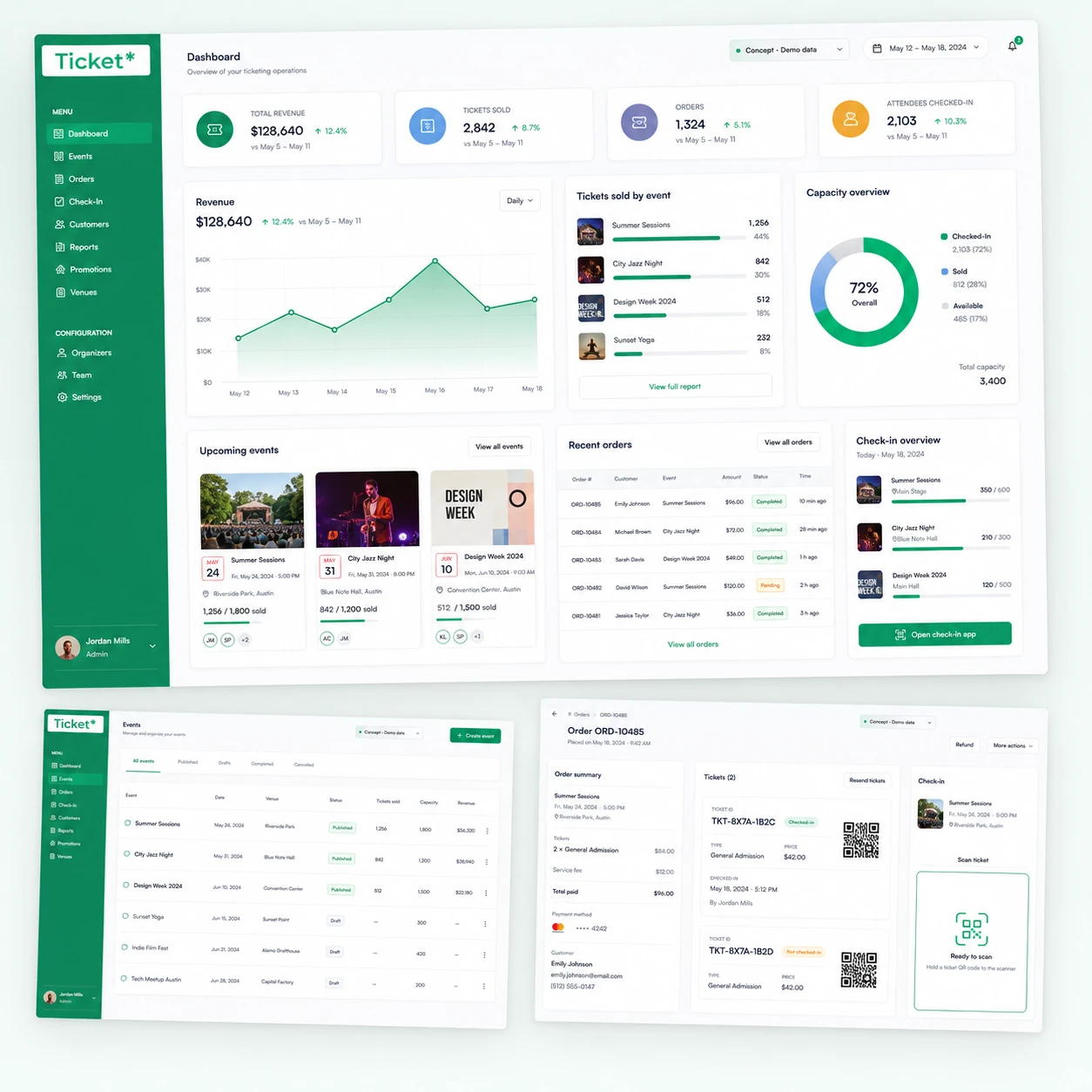
Ticket Plus — APIs & Automation projectExplore Ticket Plus
Ticket Plus / Selected workAmminadab Elias
  • Node.js
  • Express
  • REST APIs
  • GraphQL
  • Webhooks
  • PostgreSQL
(What I can help with)

What’s included /

01.API Integration

Build or extend REST and GraphQL APIs, then connect them to your frontend or other services. Define clear data contracts, validate requests, and handle authentication and permissions at the right boundaries.

02.Webhooks & Sync

Keep systems connected through webhooks and scheduled data updates. Map fields carefully, handle repeated events, and add retries and failure logging so a temporary interruption does not silently lose work.

03.Workflow Automation

Turn repeatable steps such as collecting form submissions, updating records, sending notifications, or preparing reports into application workflows. Keep approval steps and exceptions visible wherever people need to stay involved.

04.Testing & Monitoring

Test successful requests alongside invalid data, service failures, and duplicate events. Add useful logs and document the integration, configuration, and recovery steps so your team can operate and maintain it.

(The work behind the service)

Selected projects /

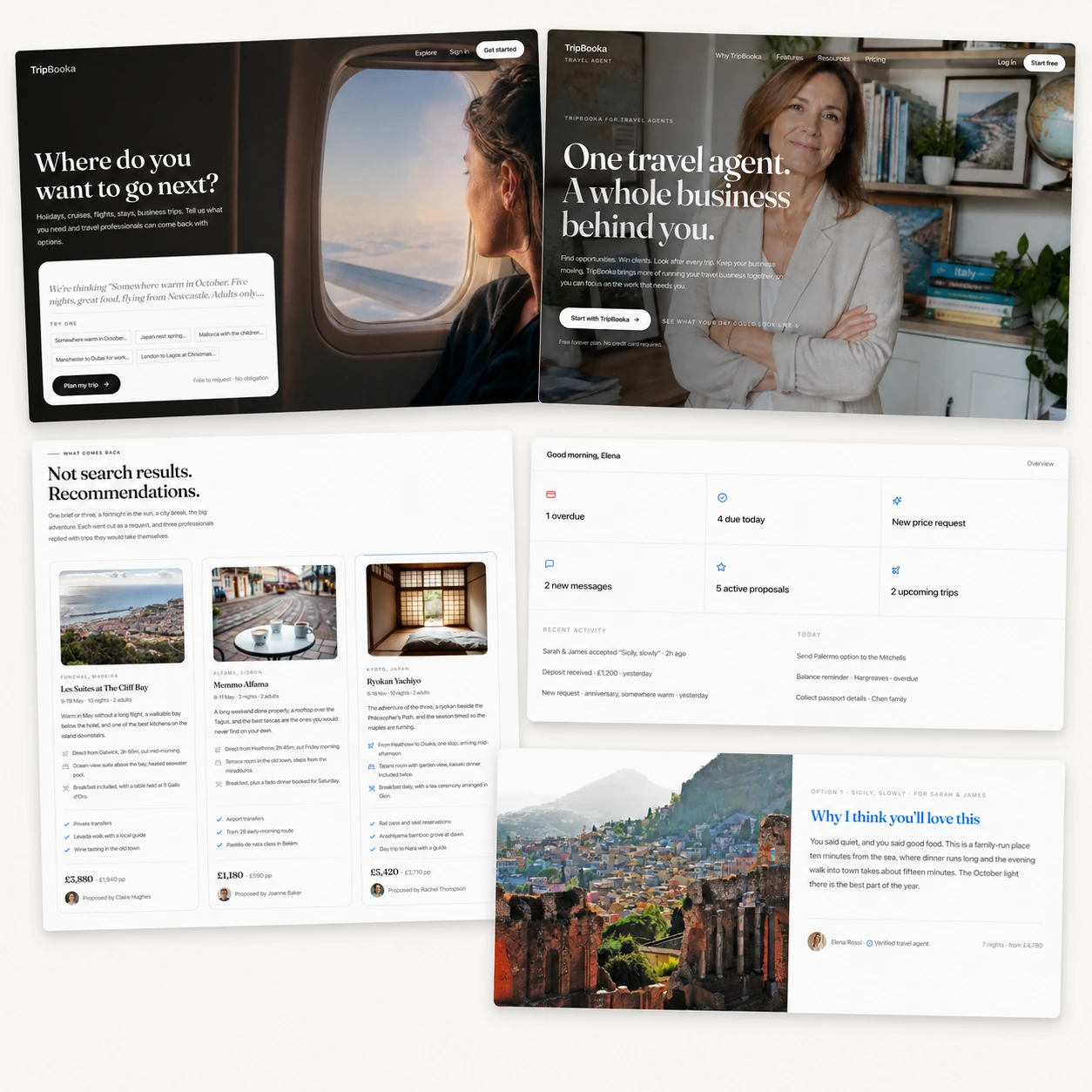
TripBooka project presentation
(01)   Backend & API integration

TripBooka

Connected travel workflows spanning authentication, application data, AI services, and agent proposals.

  • Express API endpoints supporting traveller and agent experiences.
  • Authentication lifecycle integration and structured request validation.
  • OpenAI calls and retrieval services connected to the application workflow.
Visit live website
Ticket Plus project presentation
(02)   REST API & product workflows

Ticket Plus

A ticketing backend connecting events, bookings, availability, and management tools.

  • Node.js REST endpoints consumed by a Next.js application.
  • Data flows for ticket availability and event management.
  • Permissions and validation around booking operations.
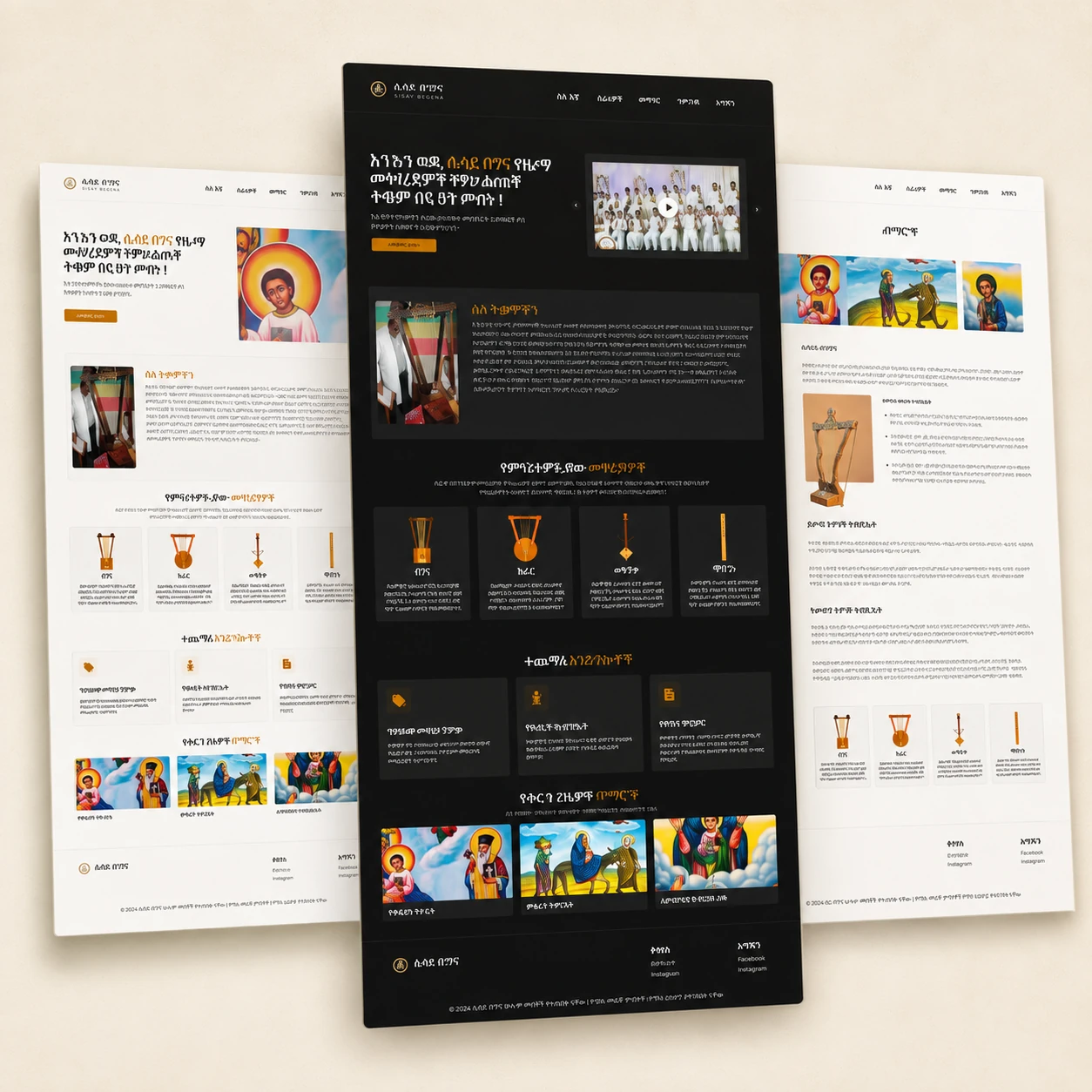
Sisay Begena project presentation
(03)   CMS & media integration

Sisay Begena

Connected the educational website to the systems used to publish lessons and deliver media.

  • Payload CMS and PostgreSQL for structured educational content.
  • Object storage and media delivery integrated into the application.
  • A publishing workflow connecting editable content with the frontend.
Visit live website
(How we work together)

From brief
to handoff /

(01)

Map the workflow

Identify the systems involved, what starts the process, and where information needs to go. Make approval steps and exceptions explicit.

(02)

Connect the systems

Build the API or integration, map and validate data, and implement authentication, permissions, and event handling.

(03)

Test the exceptions

Check invalid inputs, repeated events, and external service failures. Add logs and document configuration and recovery steps.

(A few useful answers)

Before we start /

Can you connect tools we already use?

Yes, when the tools provide suitable APIs, webhooks, or another supported integration method. I review their capabilities and access requirements before proposing the workflow.

What happens when an external service fails?

The integration should make failures visible. Depending on the workflow, I add retries, duplicate-event handling, logs, and a recovery path so your team can see what needs attention.

Can a person approve a step before it runs?

Yes. A workflow can pause for review or approval before updating a record, sending a message, or taking another important action. We define these boundaries when mapping the process.

(Have something in mind?)

Let’s build /

Describe the manual process, the tools involved, and the result you want. A sample input and the steps your team currently follows will help define the integration.

eamminadab@gmail.com
Project preview